26 widgets
Widget Catalog
Every Wind widget in one place. Find the one you need, then open its docs page.




Layout and structure
The containers and gaps that hold a screen together.
-
WDiv
The building block. One container for Container, Row, Column, Flex and Grid.
-
WCard
A surface with optional header and footer slots.
-
WSpacer
A lightweight gap between elements.
-
WBreakpoint
Builds a different widget tree for each breakpoint.








Actions and overlays
Buttons, links, popovers and tabs.


Forms and inputs
Plain and form-integrated inputs, selects, toggles and date pickers.
-
WInput
A controlled text input with utility styling.
-
WFormInput
A text input that plugs into Flutter Form validation.
-
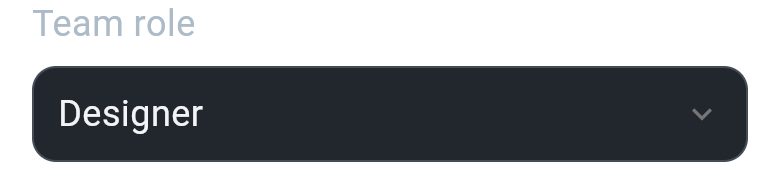
WSelect
Single or multi select with search and remote data.
-
WFormSelect
A select that plugs into Flutter Form validation.
-
WCheckbox
A fully styleable checkbox.
-
WFormCheckbox
A checkbox with Form validation, labels and hints.
-
WRadio
A controlled radio button with a
selected:state. -
WSwitch
A controlled toggle with a
checked:state. -
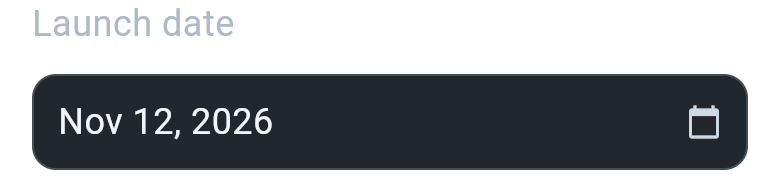
WDatePicker
Single dates, ranges and date-with-time, built on WPopover.
-
WFormDatePicker
A date picker that plugs into Flutter Form validation.



Advanced tools
Server-driven UI, keyboard toolbars and looping animation.
-
WDynamic
Renders a widget tree from JSON at runtime.
-
WKeyboardActions
An OK button and field navigation above the keyboard.
-
WindAnimationWrapper
A looping spin, ping, pulse or bounce around any widget.


