Flutter FAQ Accordion Card with Expandable Answers
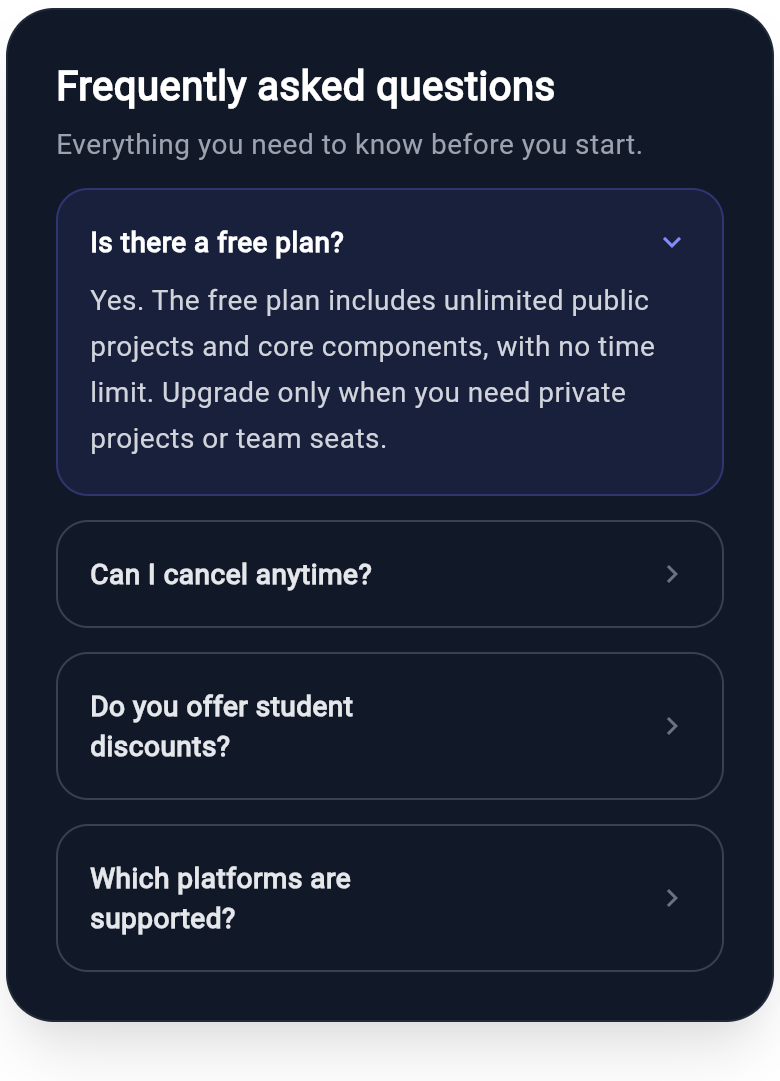
A frequently asked questions accordion: the first item is expanded with its answer and a down chevron, while the rest stay collapsed with a forward chevron. A clean support and help-center pattern built with Wind utility classes and dark-mode pairing.
WDiv(
  className: 'flex flex-col gap-3 w-full max-w-sm p-6 rounded-3xl bg-white dark:bg-gray-900 border border-gray-200 dark:border-gray-800 shadow-xl',
  children: [
    WDiv(
      className: 'flex flex-col gap-1',
      children: [
        WText(
          'Frequently asked questions',
          className: 'text-xl font-bold text-gray-900 dark:text-white'
        ),
        WText(
          'Everything you need to know before you start.',
          className: 'text-sm text-gray-500 dark:text-gray-400'
        ),
      ],
    ),
    WDiv(
      className: 'flex flex-col gap-2 w-full p-4 rounded-2xl border border-indigo-200 dark:border-indigo-500/30 bg-indigo-50 dark:bg-indigo-500/10',
      children: [
        WDiv(
          className: 'flex flex-row items-center justify-between w-full',
          children: [
            WText(
              'Is there a free plan?',
              className: 'text-sm font-semibold text-gray-900 dark:text-white'
            ),
            WIcon(
              Icons.expand_more,
              className: 'text-lg text-indigo-600 dark:text-indigo-400'
            ),
          ],
        ),
        WText(
          'Yes. The free plan includes unlimited public projects and core components, with no time limit. Upgrade only when you need private projects or team seats.',
          className: 'text-sm leading-relaxed text-gray-600 dark:text-gray-300',
        ),
      ],
    ),
    WDiv(
      className: 'flex flex-row items-center justify-between w-full p-4 rounded-2xl border border-gray-200 dark:border-gray-700',
      children: [
        WText(
          'Can I cancel anytime?',
          className: 'text-sm font-semibold text-gray-700 dark:text-gray-200'
        ),
        WIcon(
          Icons.chevron_right,
          className: 'text-lg text-gray-400 dark:text-gray-500'
        ),
      ],
    ),
    WDiv(
      className: 'flex flex-row items-center justify-between w-full p-4 rounded-2xl border border-gray-200 dark:border-gray-700',
      children: [
        WText(
          'Do you offer student discounts?',
          className: 'text-sm font-semibold text-gray-700 dark:text-gray-200'
        ),
        WIcon(
          Icons.chevron_right,
          className: 'text-lg text-gray-400 dark:text-gray-500'
        ),
      ],
    ),
    WDiv(
      className: 'flex flex-row items-center justify-between w-full p-4 rounded-2xl border border-gray-200 dark:border-gray-700',
      children: [
        WText(
          'Which platforms are supported?',
          className: 'text-sm font-semibold text-gray-700 dark:text-gray-200'
        ),
        WIcon(
          Icons.chevron_right,
          className: 'text-lg text-gray-400 dark:text-gray-500'
        ),
      ],
    ),
  ],
)
More like this
-
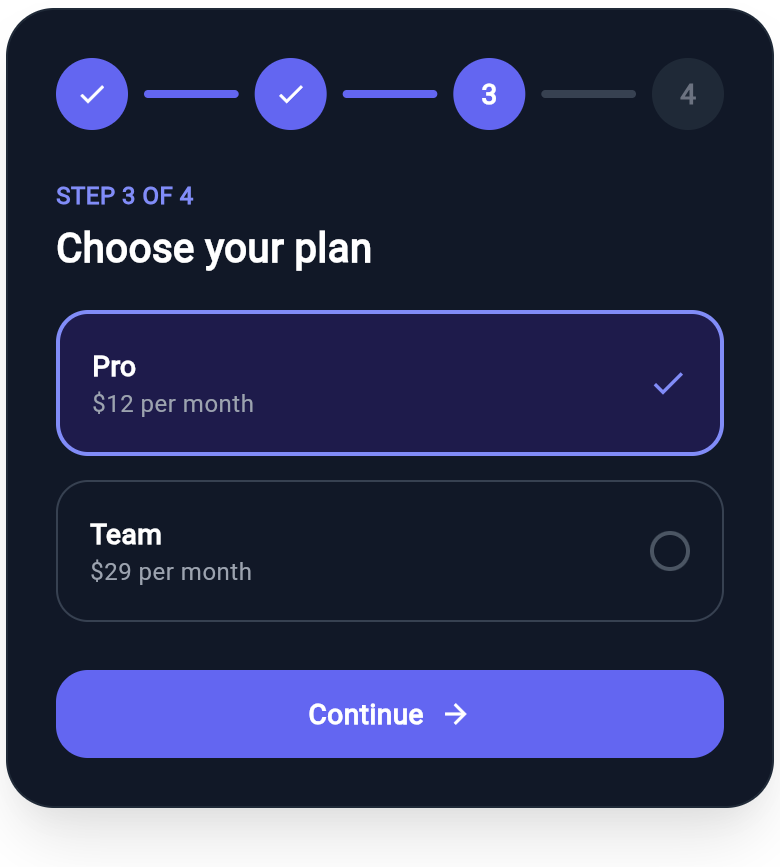
Flutter Progress Stepper Wizard with Plan Selection
A multi-step wizard header with a connected step rail (completed, active, and upcoming states) over a plan selection step and a continue button, all composed from Wind utility classes.
-
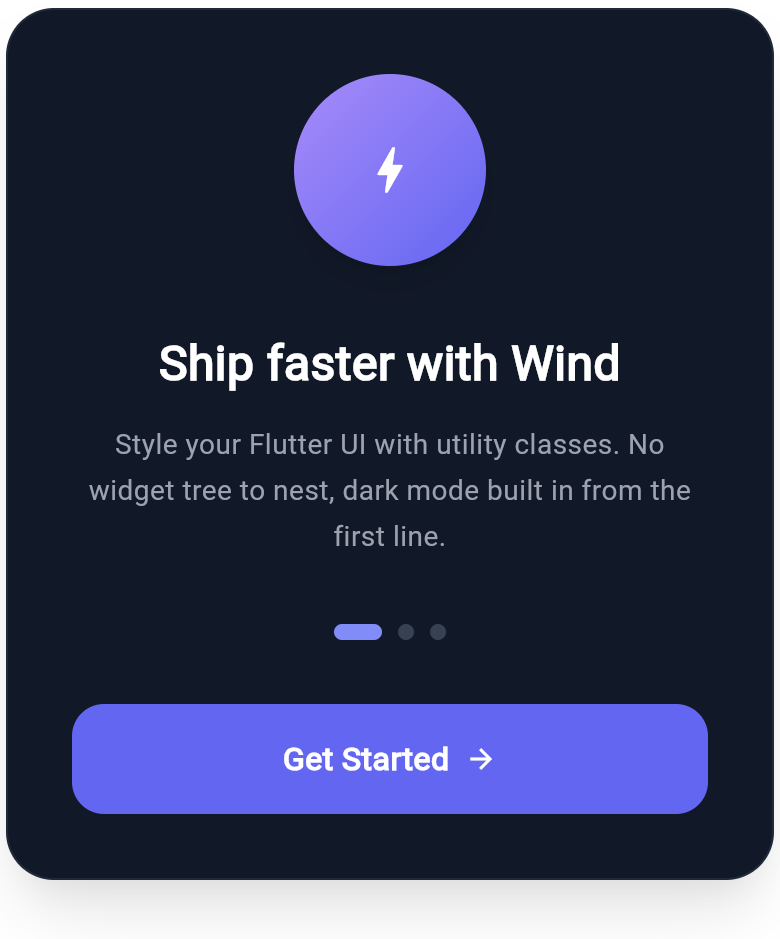
Flutter Onboarding Slide with Feature Highlight and Page Dots
A polished onboarding slide built with Wind utility classes: a gradient feature icon, a bold headline, supporting copy, page indicator dots, and a full-width call to action. Dark mode pairs are included on every color token.
-
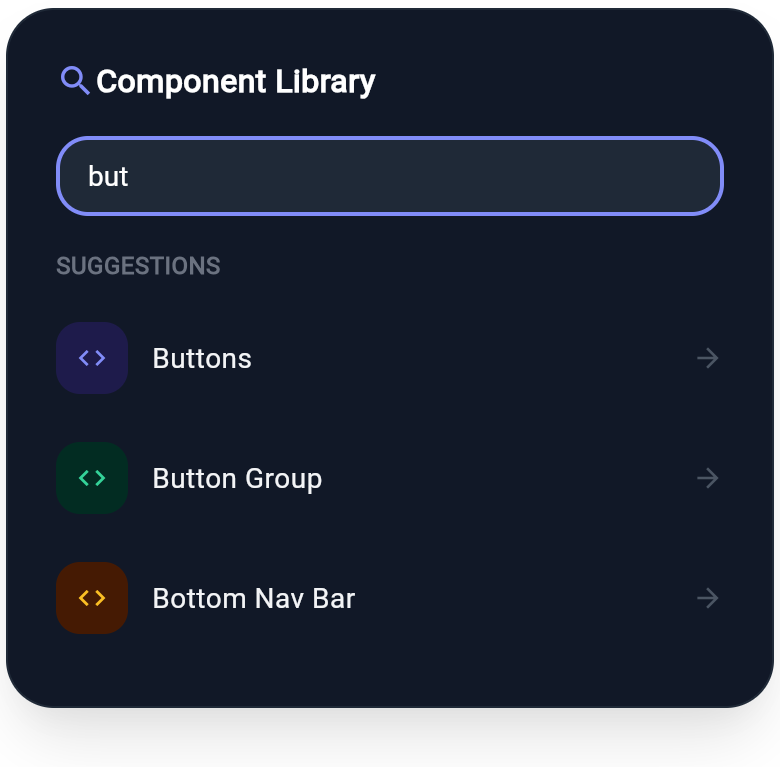
Flutter Component Search Card with Live Suggestions
A component search card built on the real WInput widget, with a focused search field and a categorized suggestion list. Demonstrates Wind form inputs with icon tiles and dark-mode pairs.